
Organize Your Digital Life with Local AI.
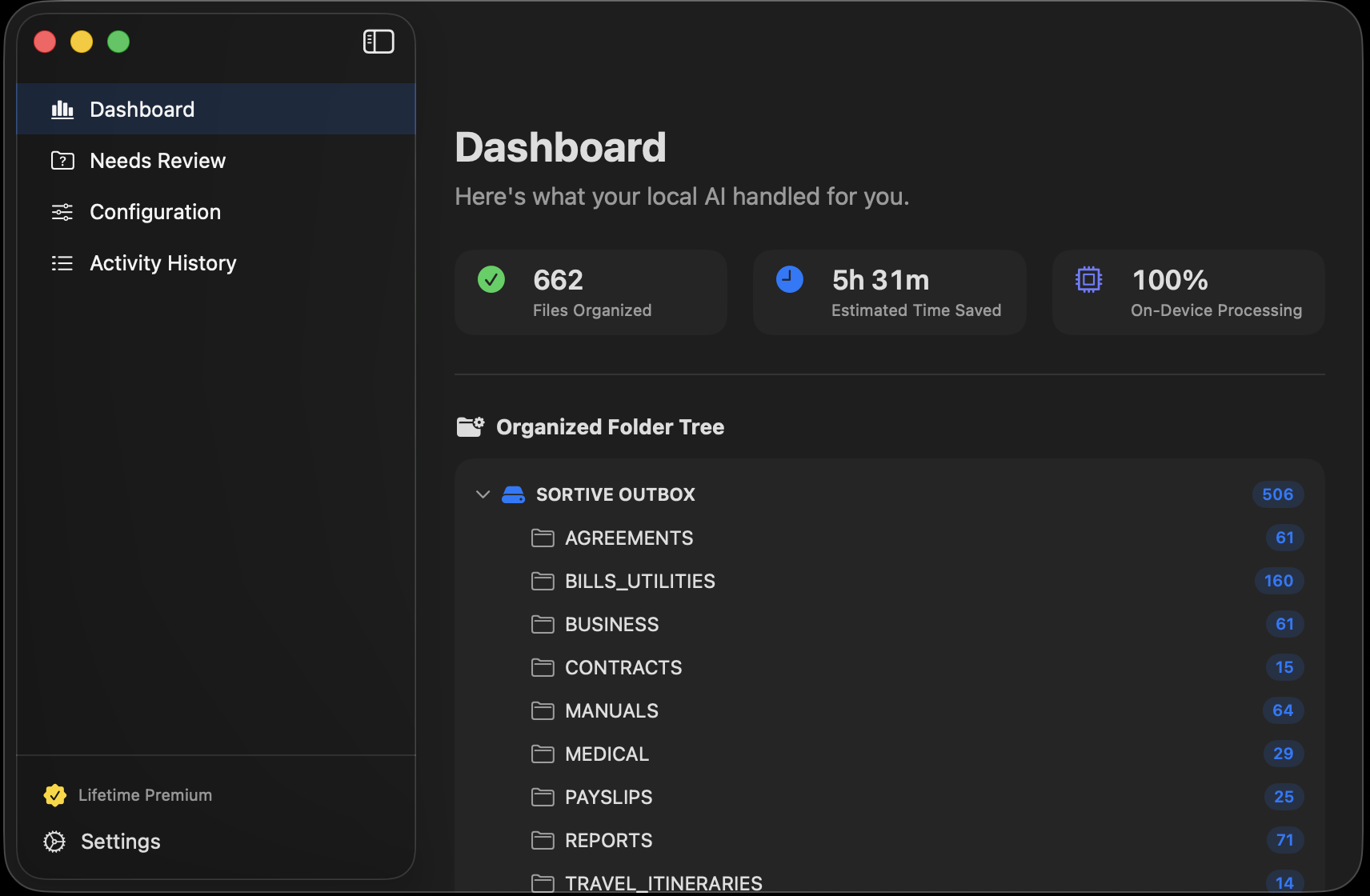
Sortive is a privacy-first macOS utility that runs 100% offline once it's set up, automatically organizing your files into smart folders based on their content.
Pick an Inbox, and Sortive files each new document into the right folder — automatically, on your Mac.
v1.12
(Requires an Apple Silicon Mac — M1 or later, 8 GB memory or more)
First launch downloads the AI model once (1.6 to 2.1 GB, sized to your Mac; needs internet). After that, Sortive works 100% offline.
Try free for your first 50 files. No credit card required.
How It Works
Hardware-Accelerated
Blazing fast local inference optimized exclusively for Apple Silicon (M1–M5).
Smart Routing
Uses Apple's MLX framework to understand file contents and move them automatically.
Set and Forget
Runs seamlessly in the background to keep your Downloads or Desktop clutter-free.
The Sortive Advantage
Privacy First (Zero Cloud)
Your files are read and sorted entirely on-device — their contents never leave your Mac and are never uploaded to any cloud AI. Sortive only goes online for housekeeping, like the one-time AI model download and app updates, and never sends your files.
No Subscriptions
Pay once and it's yours — no monthly fees, no renewals, no per-file charges. Most organizer apps cost more than Sortive every few months.
Deep macOS Integration
Built natively for macOS using SwiftData and Apple Silicon acceleration.
Undo Any Move
Every file move is logged with its original location. Changed your mind? One click puts any file — or a whole batch — back exactly where it was.
Simple, Transparent Pricing
Pay once. Own it forever. No subscriptions, no renewals — not $8/month, ever.
Free Tier
Organize your first 50 files free.
- Route up to 50 files for free
- All AI features included
- No credit card required
Lifetime License
One payment — then it's yours forever. No subscription.
- Unlimited file routing
- All future updates included
- Securely activated via Polar.sh
- Purchase inside the app
Frequently Asked Questions
Where is my Polar license key after purchase?
Polar emails order confirmation to the address you used at checkout (check your spam folder). In the email you will see Access purchase button — use it to get to the customer dashboard — you will find your license key there under Benefit Grants section. Just copy the key and paste it into Sortive to unlock unlimited sorting.
How do I activate my license in Sortive?
Open Sortive's settings, go to the License section, paste your key, and click Activate. That's it — unlimited sorting is unlocked instantly.
What happens to my license if I switch to a new Mac?
Just deactivate it from your current Mac first, then activate on the new one with the same key. One Mac at a time. If you need help, reach out via the contact form.
What if Sortive files something in the wrong place?
Nothing is lost. Every move is recorded in the Activity Log with the file's original location, so you can undo any single move — or a whole batch — with one click, and the file returns exactly where it was. Sortive moves files; it never deletes them.
Is my data really private?
Yes. Your files never leave your Mac — Sortive reads and sorts them entirely on-device. Sortive only goes online for housekeeping, like downloading its AI model once and checking for app updates; your file contents are never uploaded.
Do I have to pay every month?
No. Sortive is a simple one-time purchase — pay once and use it forever, including all future updates. There's a free tier for trying it out first.
Still have questions? Contact us →